NCL Home>
Application examples>
File IO ||
Data files for some examples
Example pages containing:
tips |
resources |
functions/procedures
NCL: Reading multiple supported files using 'addfiles'
addfiles
The addfiles
function allows the user to open multiple
supported files
and read variables across all files.
You have two options for how the variable is structured, when
reading the same variable across multiple files:
Option 1: "cat" mode
When a variable is read from a series of files in "cat" mode, then the
leftmost dimension of each variable will be concatenated to form a new
leftmost dimension whose size is the sum of the sizes of the leftmost
dimension in each individual file.
For example, if you have 5 files, each with a variable "temp" that has
dimensions ntim x nlat x nlon (10 x 64 x 128), then the new "temp"
variable will be of size 50 x 64 x 128.
Option 1: "join" mode
When a variable is read from a series of files in "join" mode, then a
new leftmost dimension is added to the variable that represents the
number of files.
In the example above, then, you would end up with a new "temp"
variable of size 5 x 10 x 64 x 128.
"cat" versus "join"
Under what conditions should the "cat" (default) and "join" options be
used?
Generally speaking, if the leftmost dimension of a variable is a
"record" dimension (say, "time") with successive coordinates in each
file, then the "cat" option is best. If, however, there is no record
dimension (e.g. [lev,lat,lon] where the existing dimensions have the
same size and coordinate values in all files), then the "join" option
is appropriate.
addfiles_1.ncl - This example
illustrates reading a variable off a series of files in "cat" mode.
Assume you have a directory containing several files called
pottmp.YYYY.nc, where YYYY represents a year. Each file
has a variable called "pottmp" which contains monthly data and is
dimensioned time x level x lat x lon (12 x 40 x 418 x 360). Further
assume that you only want to read the data for years 1980 to 2008.
This script creates a list of files using ispan
to indicate the desired years.
Results:
Variable: pottmp
Type: short
Total Size: 4189363200 bytes
            2094681600 values
Number of Dimensions: 4
Dimensions and sizes: [time | 348] x [level | 40] x [lat | 418] x [lon | 360]
Coordinates:
            time: [28854..39416]
            level: [ 5..4478]
            lat: [-74.5..64.499]
            lon: [0.5..359.5]
Number Of Attributes: 19
long_name : Potential temperature
units : K
_FillValue : 32766
. . .
addfiles_2.ncl - This example
illustrates reading a variable off a series of files in
"join" mode. It uses the same data files described in the previous example.
This script is identical to the previous one, except we use the special
ListSetType procedure to indicate we want to read
the variable in "join" mode.
Results:
Note that you now have a new leftmost dimension called "ncl_join",
which is equal to 29 (the number of files):
Variable: pottmp
Type: short
Total Size: 4189363200 bytes
            2094681600 values
Number of Dimensions: 5
Dimensions and sizes: [ncl_join | 29] x [time | 12] x [level | 40] x [lat | 418] x [lon | 360]
Coordinates:
            time: [28854..29189]
            level: [ 5..4478]
            lat: [-74.5..64.499]
            lon: [0.5..359.5]
Number Of Attributes: 19
long_name : Potential temperature
units : K
_FillValue : 32766
. . .
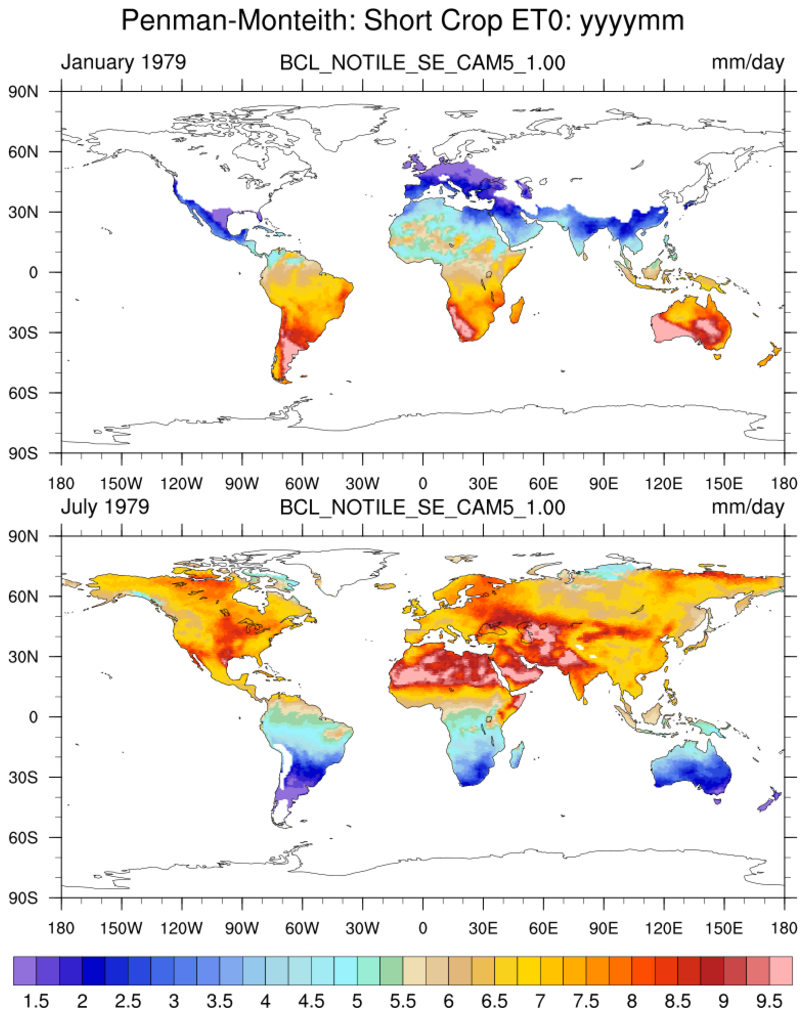
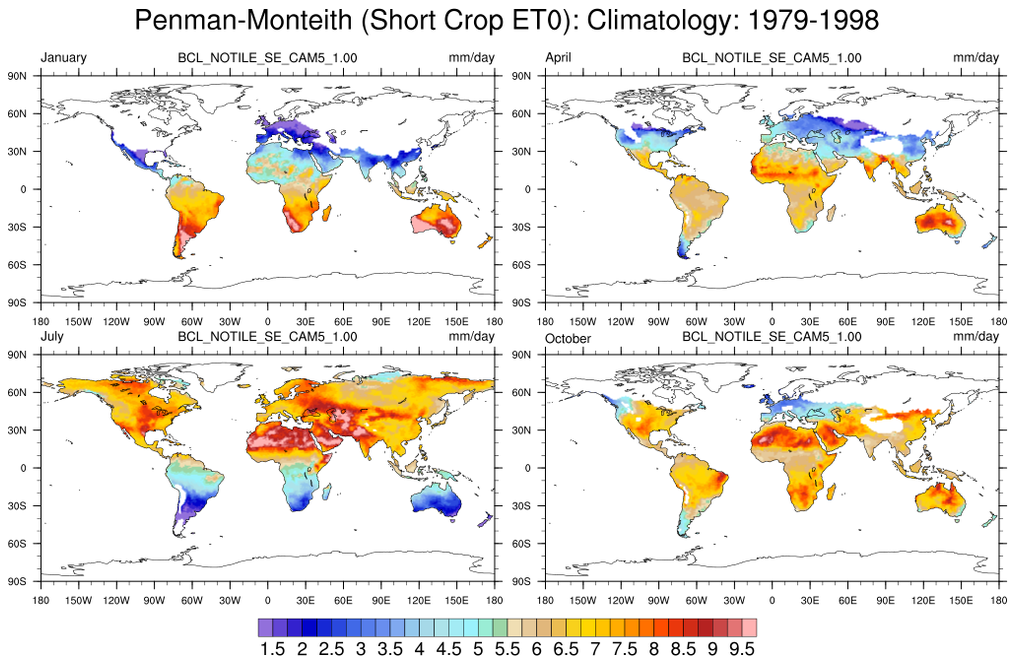
 fao56_1.ncl
 - This
example shows how to read a series of CLM NetCDF files,
this time using the
systemfunc command to get
the list of desired files via the UNIX "ls" command.
 diri = "./"
 fili = systemfunc("cd "+diri+" ; ls BCL_NOTILE_SE_CAM5_1.00.clm2.h0*.nc")
A full description of this script can be found on
the Crop and Evapotranspiration examples
page.
animate_3_1.ncl - This script
illustrates reading a series of WRF output files, each with one time
step, to create an animated GIF image (click on thumbnail).
The wrf_user_getvar allows you to
input a list of files opened with addfiles, making
it easy to calculate WRF diagnostics across a series of files.
A full description of this script can be found on
the Animation examples page.