.hluresfile
The ".hluresfile" file can be used to change some of NCL's graphical defaults. Some common things that users might want to change:
- default color table
- default size of an X11 window (512 x 512) (will be 1000x1000 in NCL V6.4.0)
- default size of a PNG image (1024 x 1024)
[See the note below about graphical defaults that changed in NCL V6.1.0 (released October 2012).]
To create this file, look at this sample hluresfile, rename it to ".hluresfile", make any desired changes, and put it the home directory of every machine you run NCL on.
If you don't want this file in your home directory for some reason, you can call the file whatever you what, put it any directory, and set the NCARG_USRRESFILE environment variable to the full path to the file (including the filename itself).
Of course, you can modify this file and add other default changes that you want. Here's what a sample ".hluresfile" might look like:
!=========================================
! This is a sample .hluresfile. It should
! go in your home directory.
!
! Comments for ".res" files are preceded by a "!".
! Remember quotations are not used in .res files.

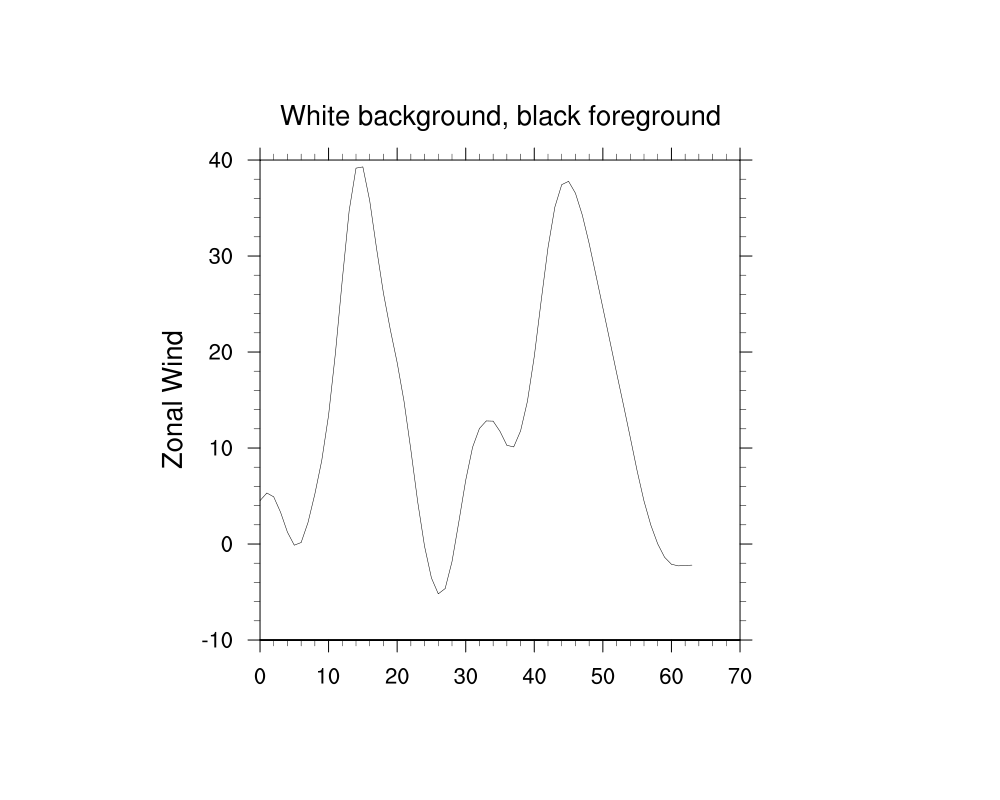
! White background/black foreground, these are the default in V6.1.0
*wkForegroundColor  : (/0.,0.,0./)
*wkBackgroundColor  : (/1.,1.,1./)

! Have a favorite colormap that you use for everything? You can
! make it your default here (note the name is NOT in quotes).
!
! In Version 6.1.0, the default is "ncl_default":
! http://www.ncl.ucar.edu/Document/Graphics/ColorTables/ncl_default.shtml
!
! For all available color maps, see
! http://www.ncl.ucar.edu/Document/Graphics/color_table_gallery.shtml
*wkColorMap         : BlueWhiteOrangeRed

! Font - this is the default in V6.1.0.
! Use times-roman to get the pre-V6.1.0 default.
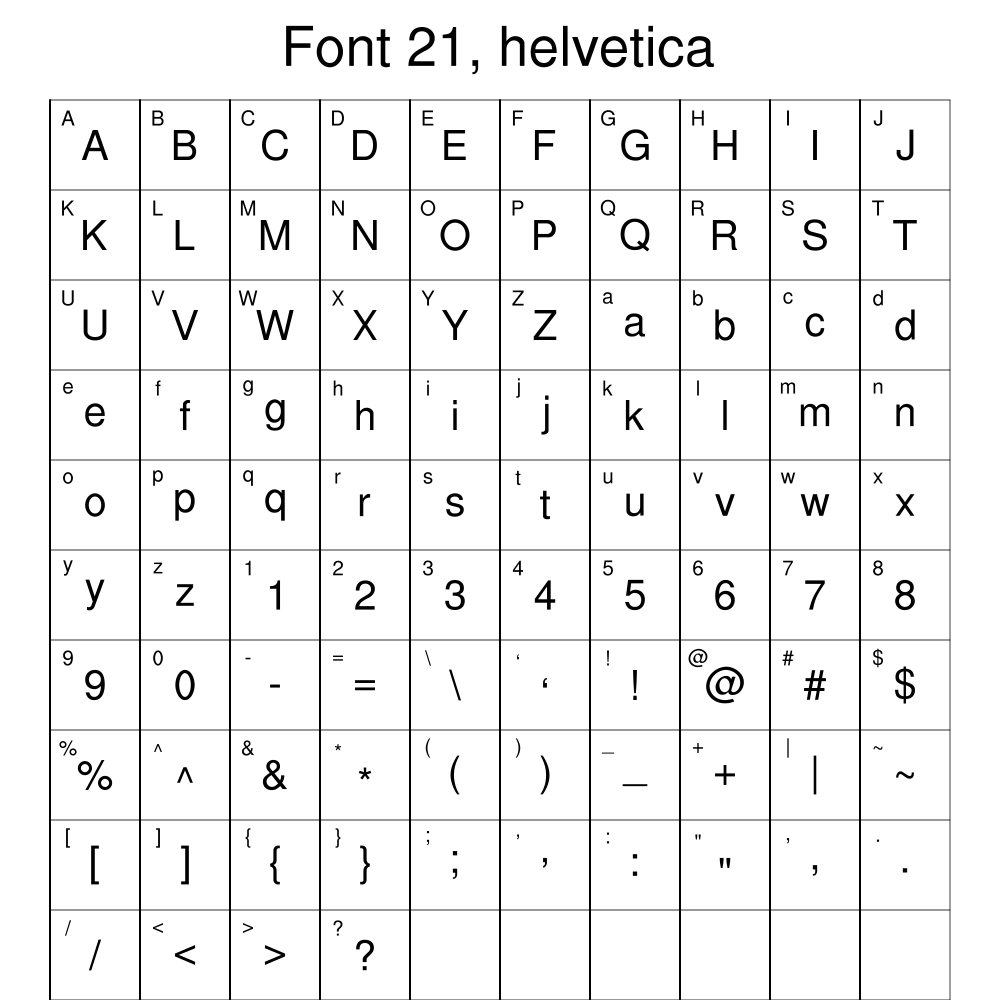
*Font           : helvetica

! Function code - this is the default in V6.1.0.
! Use ':' to get the pre-V6.1.0 default.
*TextFuncCode               : ~

! Make default X11 window larger (the default is 512x512)
!*windowWorkstationClass*wkWidth  : 1000
!*windowWorkstationClass*wkHeight : 1000

! Make default PNG window larger (the default is 1024x1024)
!*imageWorkstationClass*wkWidth   : 2500
!*imageWorkstationClass*wkHeight  : 2500

! Note, if you just set wkWidth/wkHeight, this will affect both
! X11 window AND PNG image size
!*wkWidth   : 1500
!*wkHeight  : 1500

! Increase the default (16mb) contour memory.
! The default is 100000000.
! For example, if you have gridded data that
! is larger than 500 x 500, you may need this.
! *wsMaximumSize: 300000000
!==========================================
Graphical defaults that changed in NCL V6.1.0
Several graphical defaults were changed in NCL version 6.1.0.
In versions NCL 6.0.0 and earlier, the following graphical defaults were in effect:
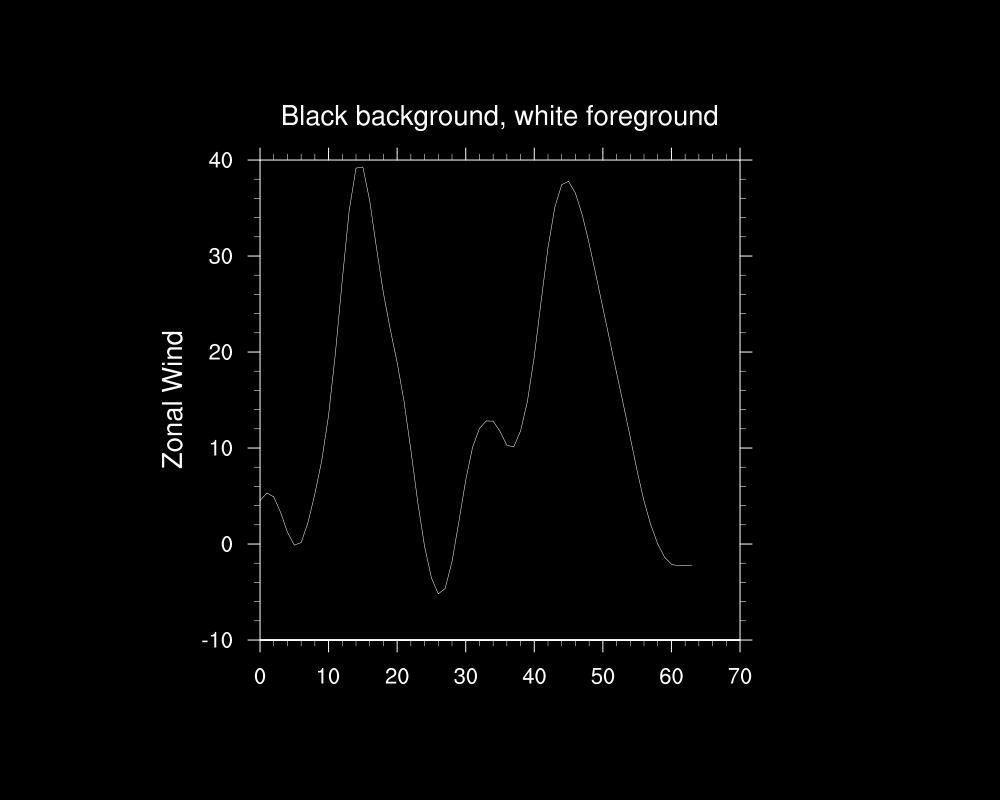
- black background, white foreground
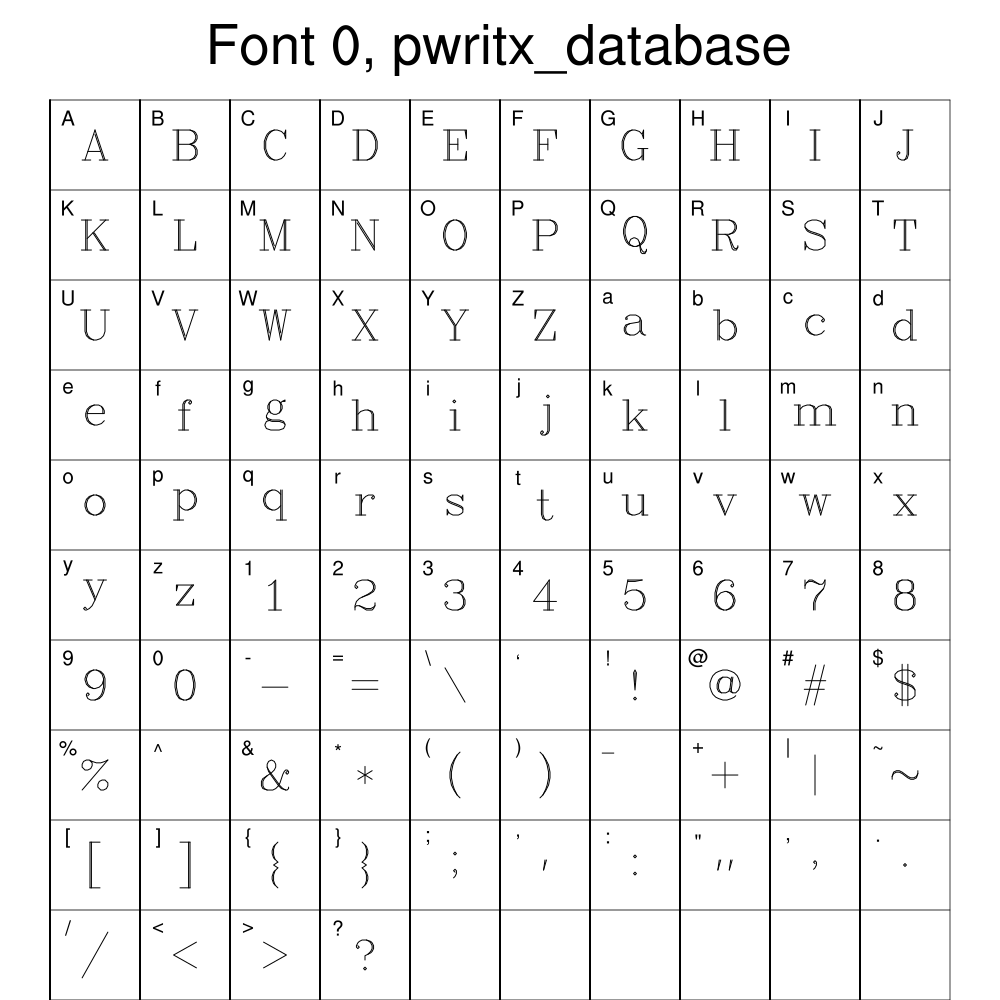
- "times-roman" font
- 32-color color table
- a colon (':') for a function code
In versions NCL 6.1.0 and later, the following graphical defaults are now in effect:
- white background, black foreground
- "helvetica" font
- 256-color color table
- a tilde ('~') for a function code