



Installing NCL
Version 6.6.2 is the current version
NCL is available for MacOS, Linux, and Windows systems running the
Windows 10 Linux subsystem.
NCL V6.6.2 is not supported under Windows running
Cygwin.
NCL and NCAR Graphics are available as one package and collectively referred to as "NCL". The full installation of NCL takes up about 300 megabytes of disk space.
There are three ways to install NCL version 6.6.2:
- Using conda
THIS IS THE PREFERRED METHOD for installing NCL on MacOSX and Linux systems.
Windows users will need to use the Linux subsystem in order to install and run NCL. - Installing NCL
from a precompiled binary
This is the long-standing method where you download a precompiled version of NCL from a list of binaries that are available for various MacOS and Linux systems. Cygwin binaries are no longer available.
- Downloading the NCL source code and
building it yourself
This is the most difficult method. It requires building or installing external packages that NCL depends on and building everything yourself. This method is only recommended if you are familiar with building software on UNIX systems and you like this sort of thing. Otherwise, We highly recommend that you install NCL via conda. Building from source code is not trivial!
Test NCL
Once you have NCL installed, you can quickly test it by typing the following three commands from a UNIX terminal window:
  ncl -V
  ncl $NCARG_ROOT/lib/ncarg/nclex/gsun/gsun02n.ncl
  ncl $NCARG_ROOT/lib/ncarg/nclex/nug/NUG_multi_timeseries.ncl
The first command should echo "6.6.2".
The second command should pop up an "x11" window with a simple line contour plot. Click on this window to advance to the next plot (there are five plots total). If the x11 windows don't come up, then something may be wrong with your DISPLAY environment variable. See the install from binary instruction page for details about setting DISPLAY.
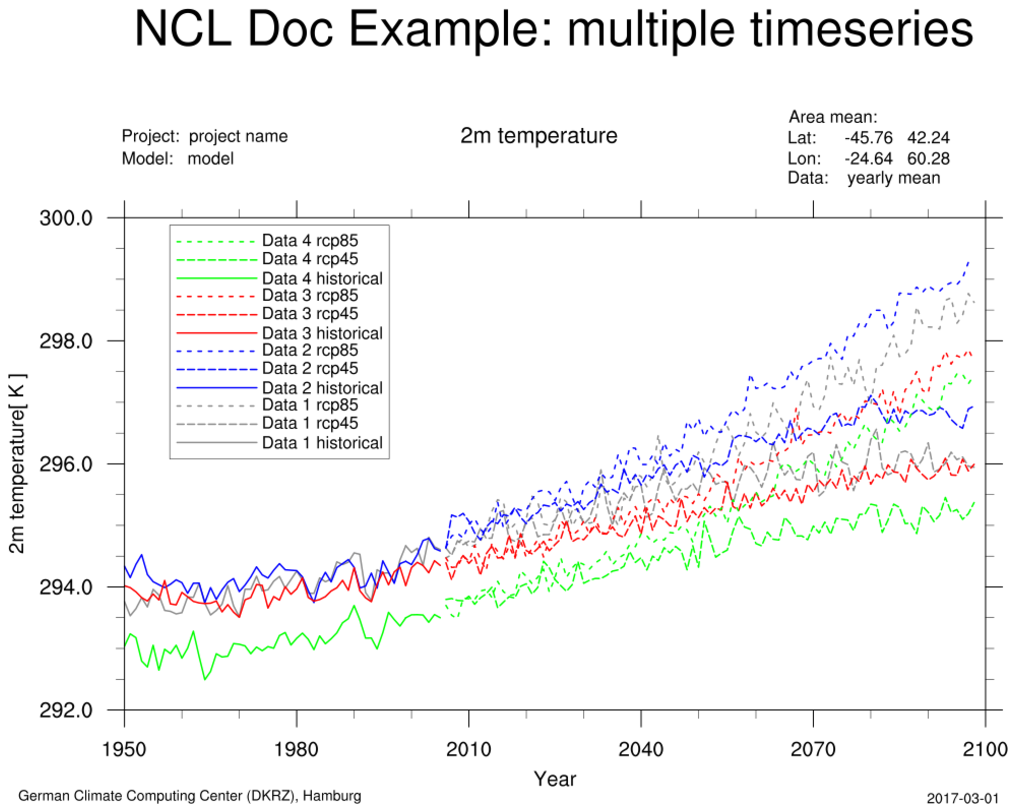
The third command should produce a PNG file called "NUG_multi_timeseries.png" (click on image for larger view):
Help on installation
All questions about installing, building, or setting up your environment should be emailed to ncl-install@ucar.edu. You will need to subscribe first.