NCL Home>
Application examples>
Models ||
Data files for some examples
Example pages containing:
tips |
resources |
functions/procedures
NCL Graphics: Plotting WRF-ARW on Mercator projection
This suite of examples uses
various
gsn_csm
scripts to plot WRF-ARW data.
The examples below reference WRF output files that are defined
on a Mercator map projection, but these scripts should work
for WRF data on other map projections as well. You can identify
what map projection your WRF output file is on by looking at
the "MAP_PROJ" global attribute on the file:
- MAP_PROJ = 0 --> "CylindricalEquidistant"
- MAP_PROJ = 1 --> "LambertConformal"
- MAP_PROJ = 2 --> "Stereographic"
- MAP_PROJ = 3 --> "Mercator"
- MAP_PROJ = 6 --> "Lat/Lon"
Newer WRF files have a "MAP_PROJ_CHAR" attribute that give you
the projection as a string.
To plot WRF-ARW data with the gsn_csm scripts in the native map
projection defined on the file, you must do three things:
- Call wrf_map_resources
This sets the necessary NCL resources to define the native map
projection.
- Set tfDoNDCOverlay = True
By default, when data are placed onto a map, NCL performs a
transformation to the specified projection. This transformation is not
needed if you have defined the native grid that your data is on. Setting
tfDoNDCOverlay = True turns off
this transformation, and also results in faster graphic generation.
- Set gsnAddCyclic = False
The gsm_csm_*map* suite of interfaces expect global data, and hence
they may try to add a longitude cyclic point. If plotting
regional data, it is necessary to set gsnAddCyclic = False to prevent the
longitude cyclic point from being added.
For more examples using gsn_csm plotting functions to plot WRF-ARW data,
see the
WRF-GSN plotting page.
For a suite of examples
using WRF plotting
functions to plot WRF-ARW data, we recommend that you visit
the WRF-ARW
Online Tutorial.
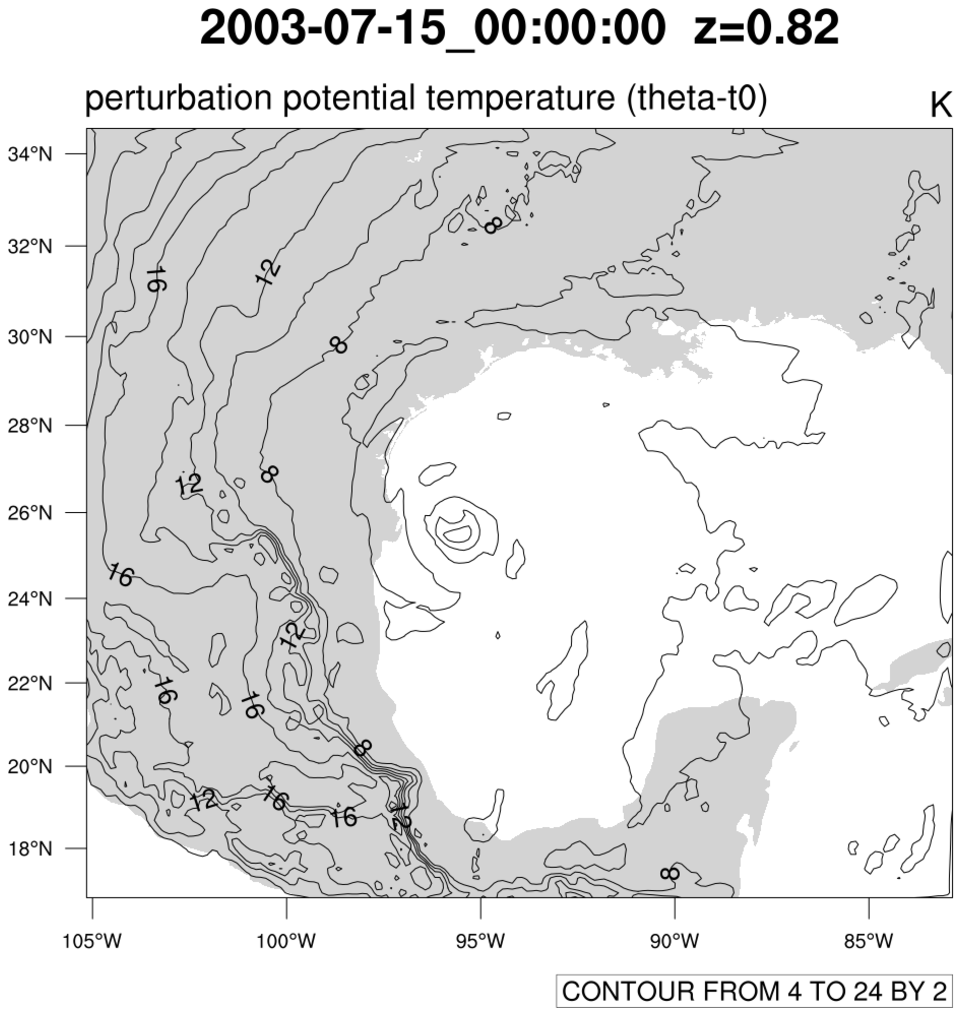
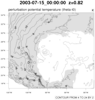 WRF_me_1.ncl
: This script creates
a basic black-and-white contour plot at a specified time and level,
using the native Mercator map projection defined on the file.
The function wrf_map_resources queries
the WRF output file to set the necessary map resources.
You must also set tfDoNDCOverlay
to False to indicate you are plotting over a native map projection,
and gsnAddCyclic to False to indicate this
data is regional and not global.
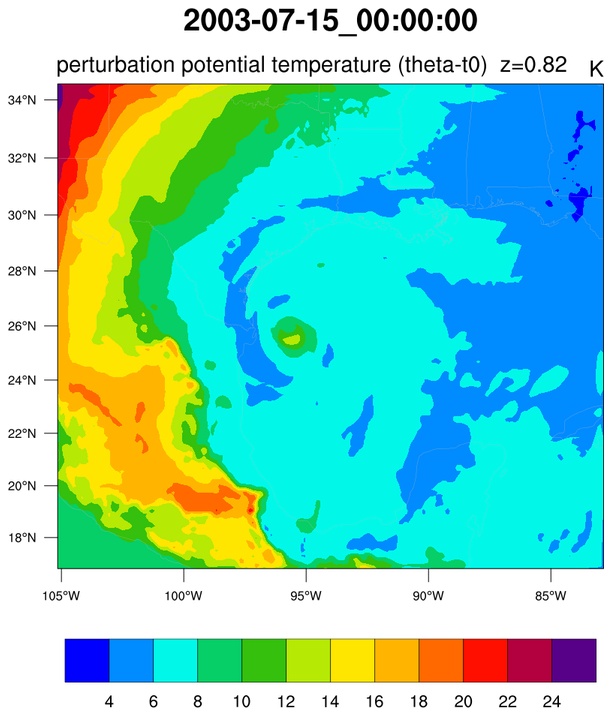
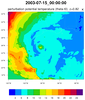 WRF_me_2.ncl
WRF_lc_2.ncl
WRF_me_2.ncl
WRF_lc_2.ncl: This
script is similar to the previous one, except color-filled
contours are created.
cnFillOn = True turns on color
contours while
cnFillPalette =
"BlAqGrYeOrReVi200" allows the user to change the color map to
the BlAqGrYeOrReVi200
color map. The color map can be chosen from a set of
available color
tables or created using various other
techniques such as specifying named colors or RGB triplets.
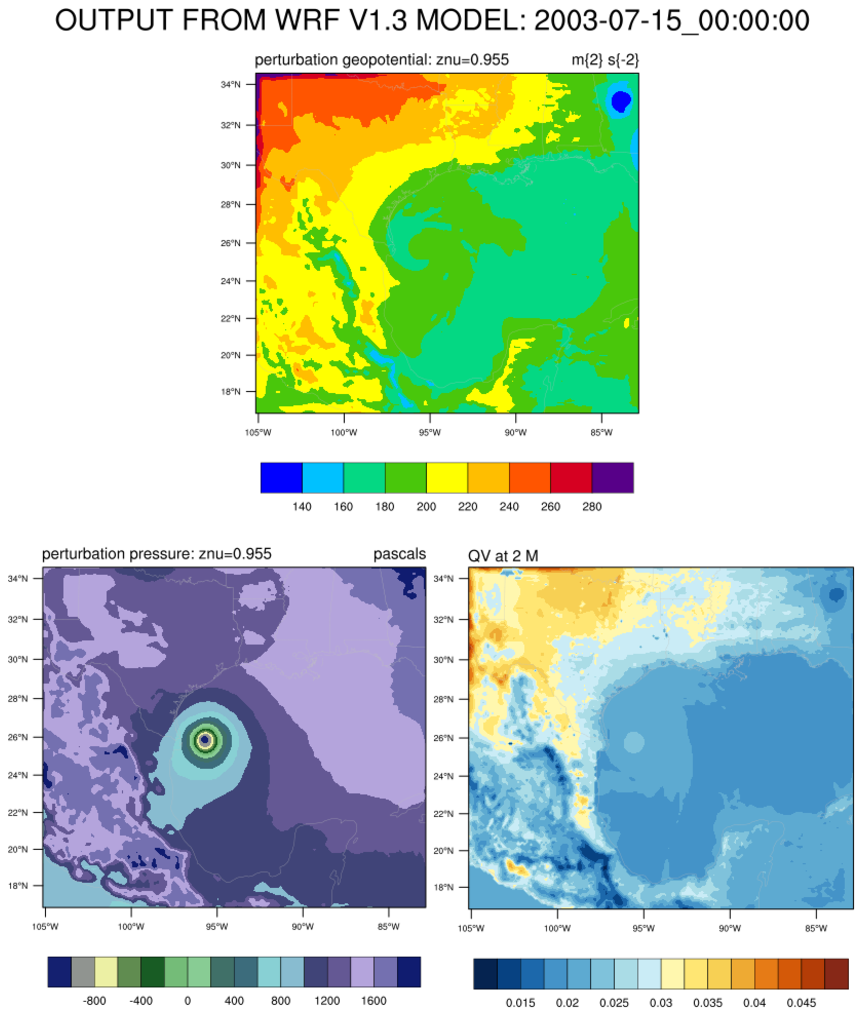
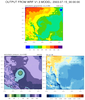 WRF_me_3.ncl
: This script panels
three different variables at the same time step. Using
the
cnFillPalette resource, you
can assign a color map to each variable you want to plot. This
resource can be set to any one of NCL's
maps
predefined
color maps or you can create your own color map in various
ways. See the
color fill page for some
examples.
gsn_panel is the procedure that
controls the placement of multiple plots on a page. It expects a
different resource variable (e.g. res vs. panel_res) since there are
several panel-only options. The panel
example page demonstrates these options.