



NCL Home>
Application examples>
gsn_csm graphical interfaces ||
Data files for some examples
 h_long_1.ncl:Creates a simple
default plot.
h_long_1.ncl:Creates a simple
default plot.
 h_long_2.ncl: Changes the aspect
ratio of the plot.
h_long_2.ncl: Changes the aspect
ratio of the plot.
 h_long_3.ncl: Creates a double
thickness zero line and dashed negative contours. Adds a cyclic point
so that the plot goes from -180 to 180.
h_long_3.ncl: Creates a double
thickness zero line and dashed negative contours. Adds a cyclic point
so that the plot goes from -180 to 180.
 h_long_4.ncl:Shades values less than
-10 and greater than +10
h_long_4.ncl:Shades values less than
-10 and greater than +10
 h_long_5.ncl: Creates a color plot.
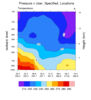 narr_5.ncl:
This script uses an ESMF generated weight file
(See: ESMF Example 30) to efficiently regrid a
source NARR curvilinear grid to a rectilinear grid. Then three cross sections are plotted:
(a) pressure x longitude; (b) pressure x latitude; and, (c) pressure x user_speciied_set_of_points.
For this example the user specified latitude/longitude locations lie along a great circle path
between two user specified locations (See: gc_latlon). They could be
latitude/longitude locations along a (say) cold front.
narr_5.ncl:
This script uses an ESMF generated weight file
(See: ESMF Example 30) to efficiently regrid a
source NARR curvilinear grid to a rectilinear grid. Then three cross sections are plotted:
(a) pressure x longitude; (b) pressure x latitude; and, (c) pressure x user_speciied_set_of_points.
For this example the user specified latitude/longitude locations lie along a great circle path
between two user specified locations (See: gc_latlon). They could be
latitude/longitude locations along a (say) cold front.
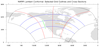
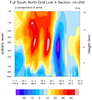
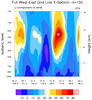
 narr_6.ncl:
The NARR grid is curvilinear. This means that the grid point locations require
two-dimensional latitude and longitude arrays. The leftmost figure shows the
north, south, west and east boundaries (black outline);
selected east-west grid lines (blue); selected north-south grid lines (red); and,
user specified subsets of grid lines. Sample 'grid line following' cross sections
are created.
narr_6.ncl:
The NARR grid is curvilinear. This means that the grid point locations require
two-dimensional latitude and longitude arrays. The leftmost figure shows the
north, south, west and east boundaries (black outline);
selected east-west grid lines (blue); selected north-south grid lines (red); and,
user specified subsets of grid lines. Sample 'grid line following' cross sections
are created.
Example pages containing:
tips |
resources |
functions/procedures
NCL Graphics: Pressure/Height vs. Longitude (high-level plot interface)
Data must be in pressure coordinates!
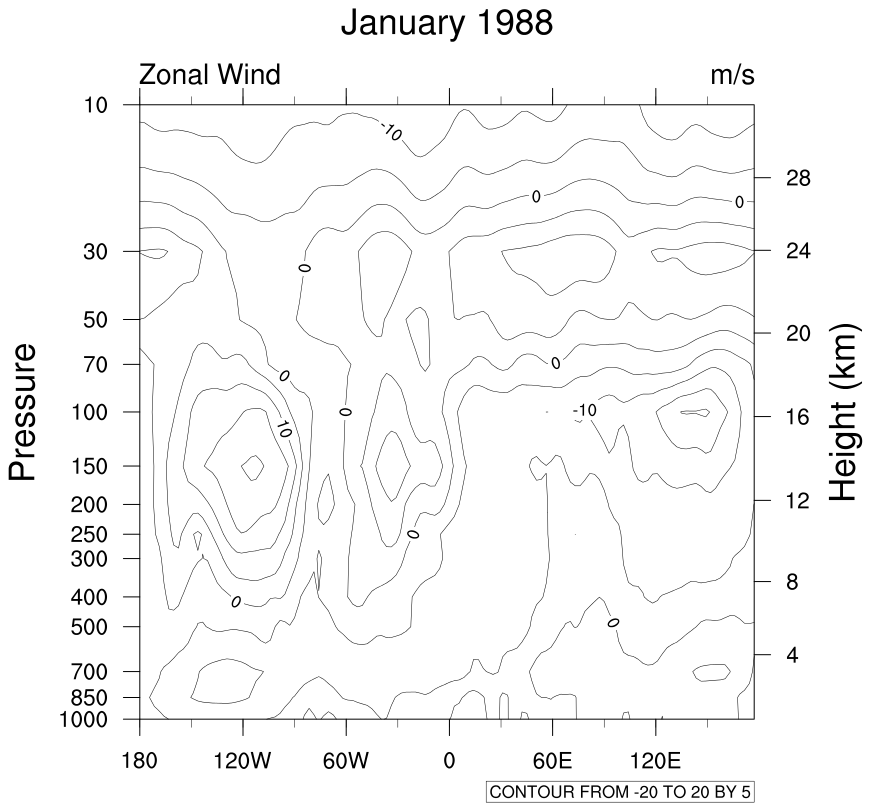 h_long_1.ncl:Creates a simple
default plot.
h_long_1.ncl:Creates a simple
default plot.
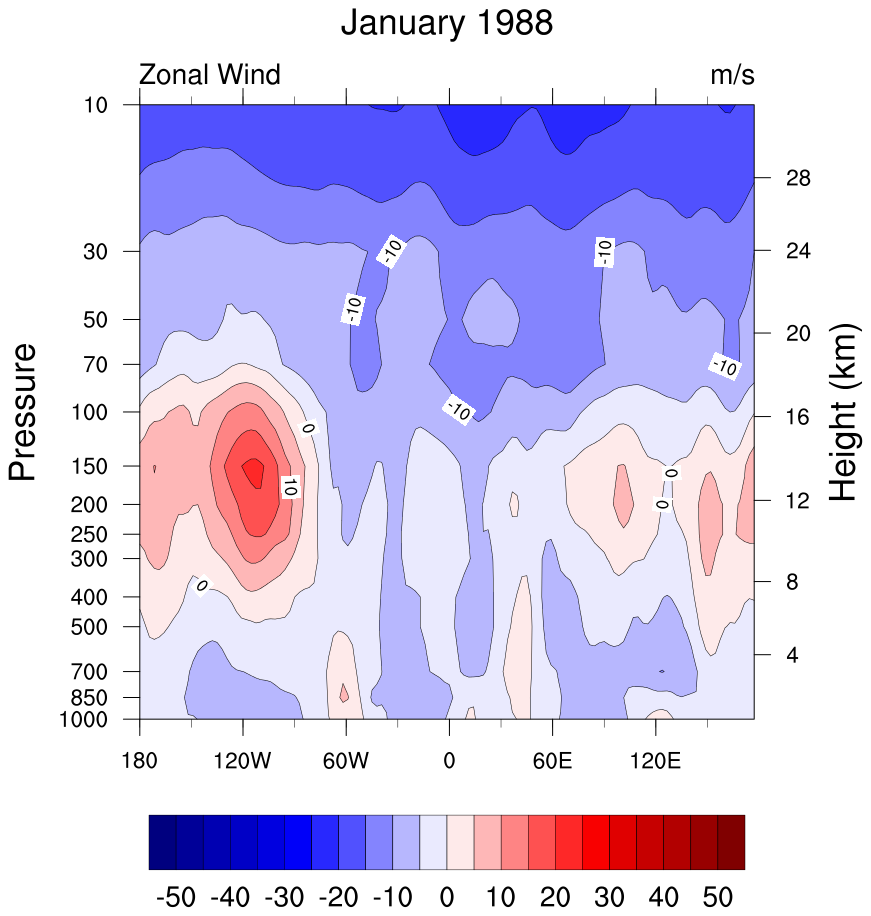
gsn_csm_pres_hgt plot interface that plots height vs. longitude plots.
Note, this data is already on pressure levels. If this were model data, it would be necessary to interpolate from the hybrid coordinates to pressure levels before plotting.
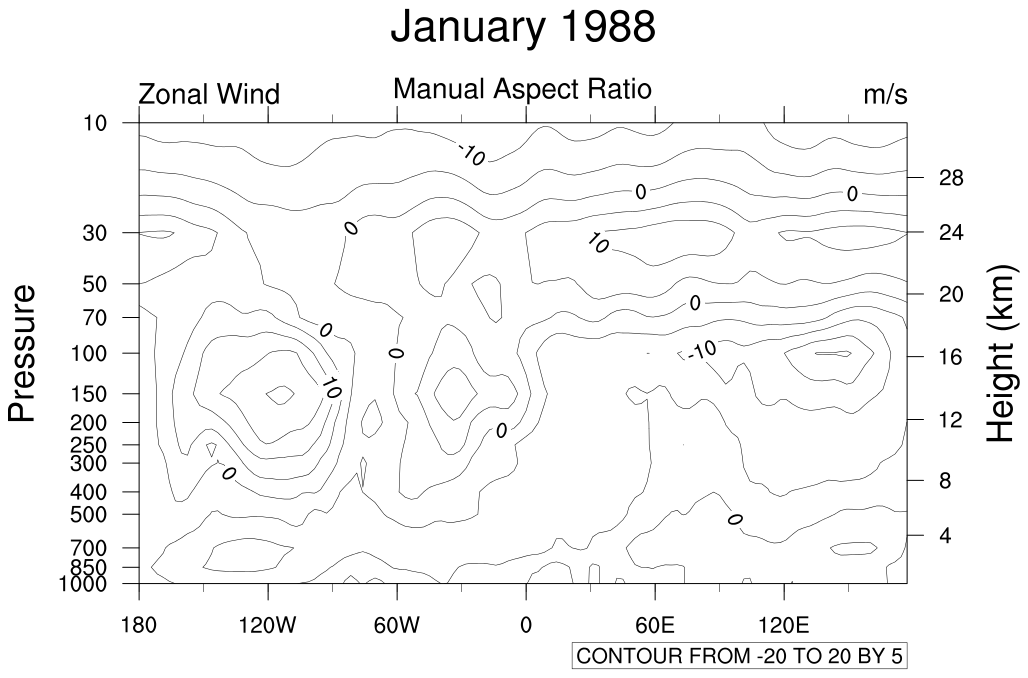 h_long_2.ncl: Changes the aspect
ratio of the plot.
h_long_2.ncl: Changes the aspect
ratio of the plot.
vpXF = 0.13
vpWidthF = 0.75
vpHeightF = 0.45
Is an example of manually changing the aspect ratio of a plot. For more
examples on different ways to resize a plot, see our
resize special topics page.
 h_long_3.ncl: Creates a double
thickness zero line and dashed negative contours. Adds a cyclic point
so that the plot goes from -180 to 180.
h_long_3.ncl: Creates a double
thickness zero line and dashed negative contours. Adds a cyclic point
so that the plot goes from -180 to 180.
gsnContourZeroLineThicknessF doubles the thickness of the zero contour, and gsnContourNegLineDashPattern dashes the negative contours.
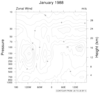
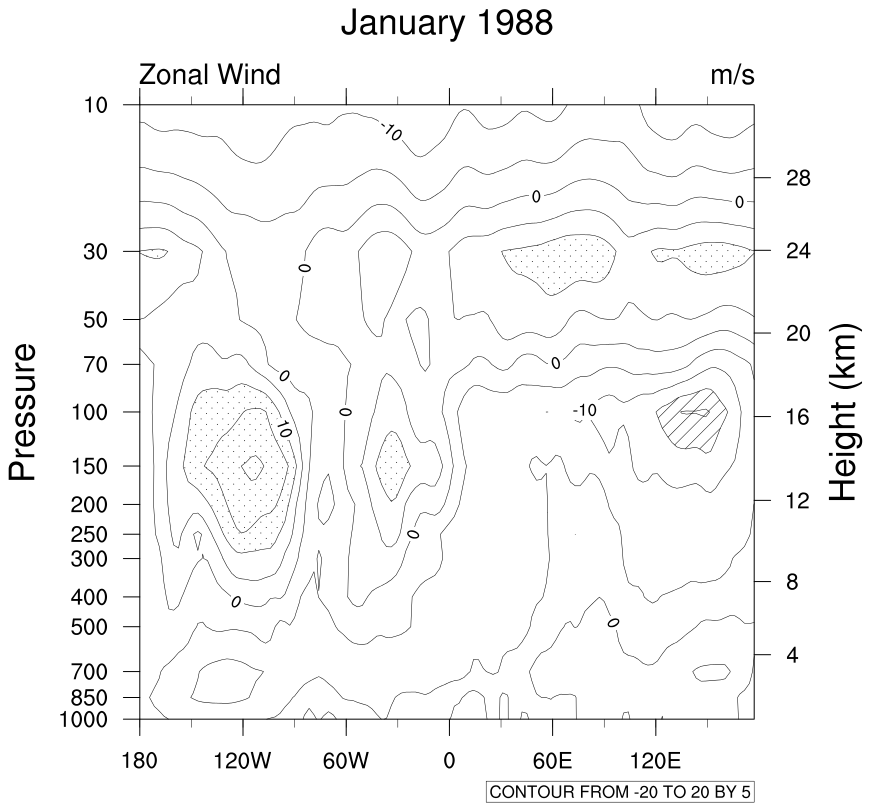 h_long_4.ncl:Shades values less than
-10 and greater than +10
h_long_4.ncl:Shades values less than
-10 and greater than +10
ShadeLtGtContour does the shading. Note: ShadeLtGtContour has been superceded by the more versatile gsn_contour_shade. We recommend you use this instead.
There are other contour effects to choose from.
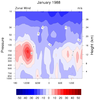
h_long_5.ncl: Creates a color plot.
See the color example page for lots of ways of dealing with color.
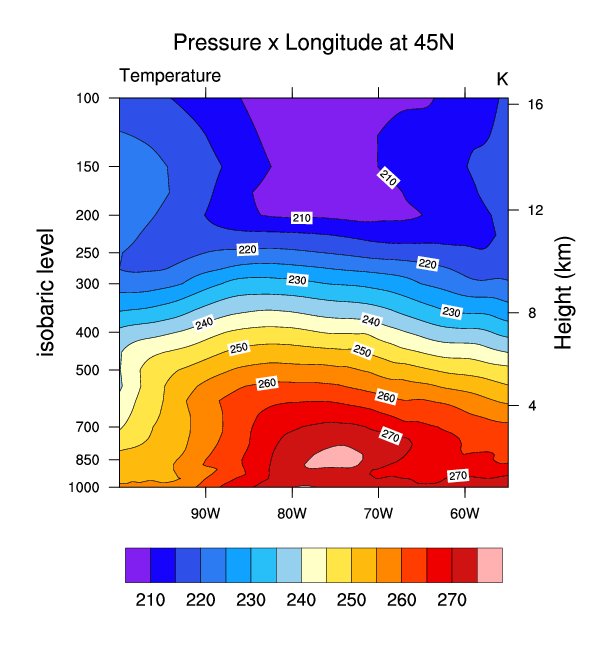
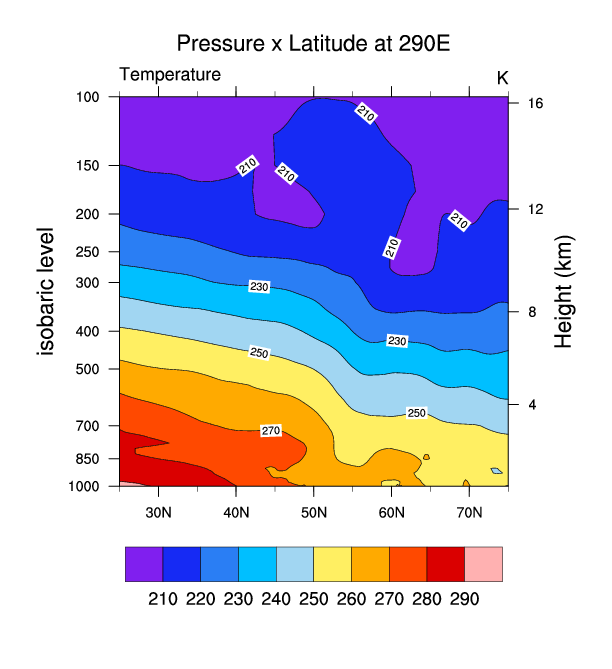
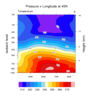
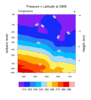
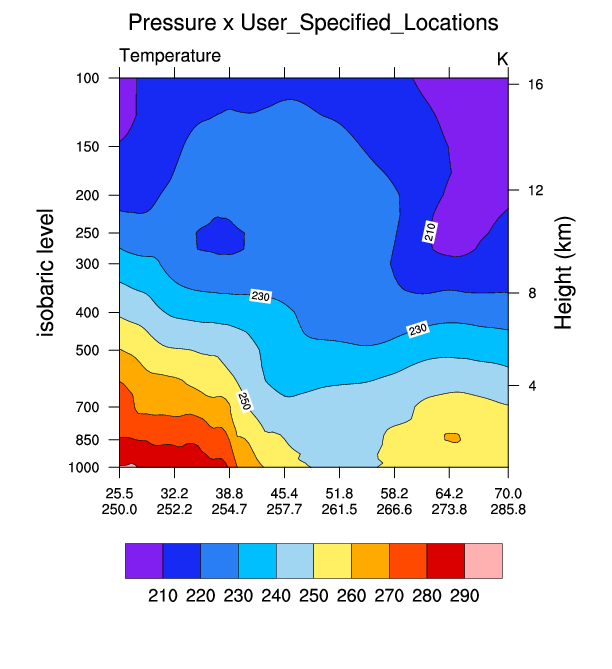 narr_5.ncl:
This script uses an ESMF generated weight file
(See: ESMF Example 30) to efficiently regrid a
source NARR curvilinear grid to a rectilinear grid. Then three cross sections are plotted:
(a) pressure x longitude; (b) pressure x latitude; and, (c) pressure x user_speciied_set_of_points.
For this example the user specified latitude/longitude locations lie along a great circle path
between two user specified locations (See: gc_latlon). They could be
latitude/longitude locations along a (say) cold front.
narr_5.ncl:
This script uses an ESMF generated weight file
(See: ESMF Example 30) to efficiently regrid a
source NARR curvilinear grid to a rectilinear grid. Then three cross sections are plotted:
(a) pressure x longitude; (b) pressure x latitude; and, (c) pressure x user_speciied_set_of_points.
For this example the user specified latitude/longitude locations lie along a great circle path
between two user specified locations (See: gc_latlon). They could be
latitude/longitude locations along a (say) cold front.
ESMF Example 30 was run twice: bilinear and conservative interpolation. Bilinear interpolation would generally be appropriate for any reasonably smooth variable. Conservation interpolation would be recommended for interpolating flux quantities and variables that can be fractal (eg precipitation).
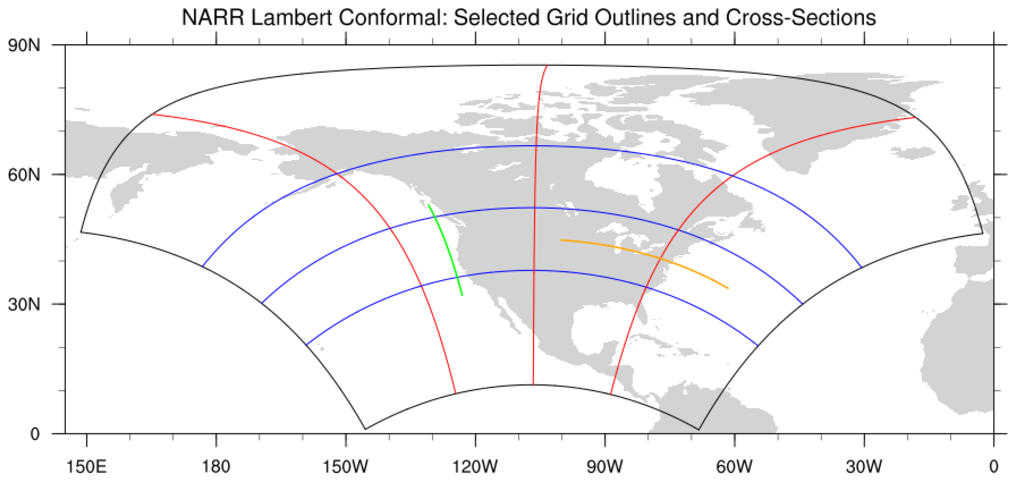
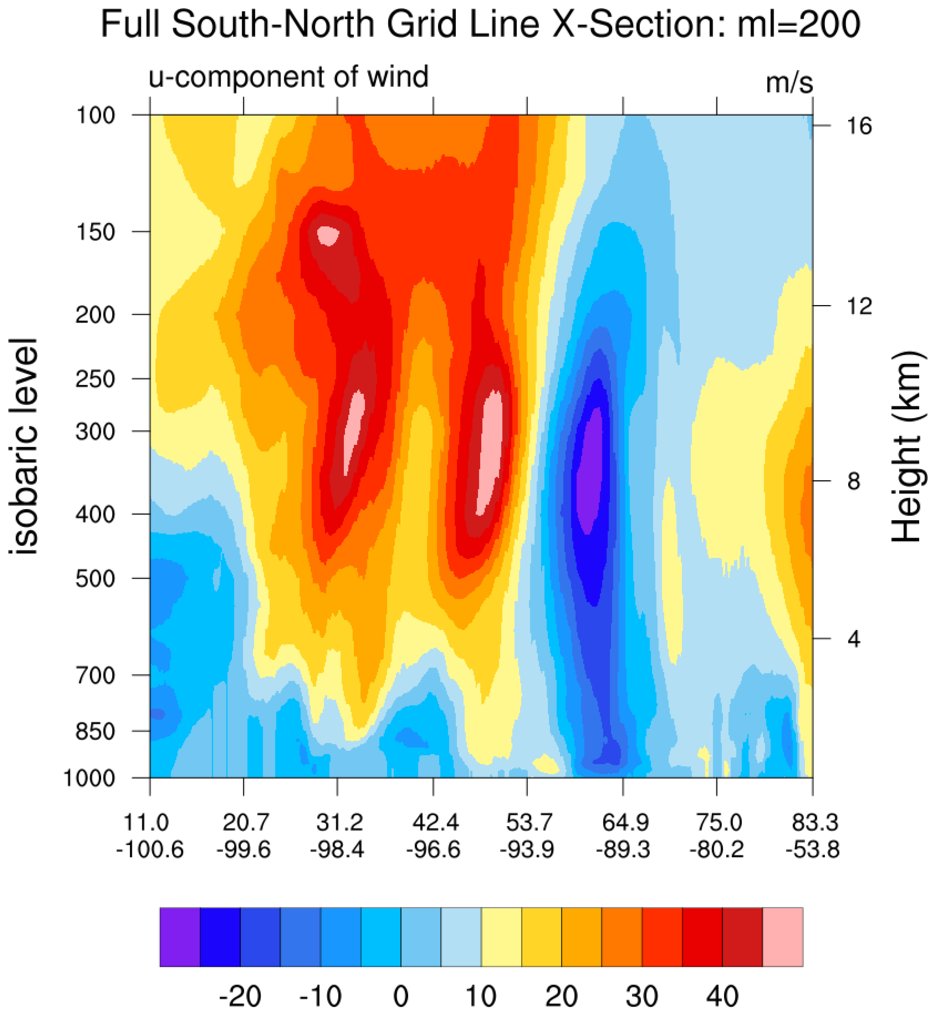
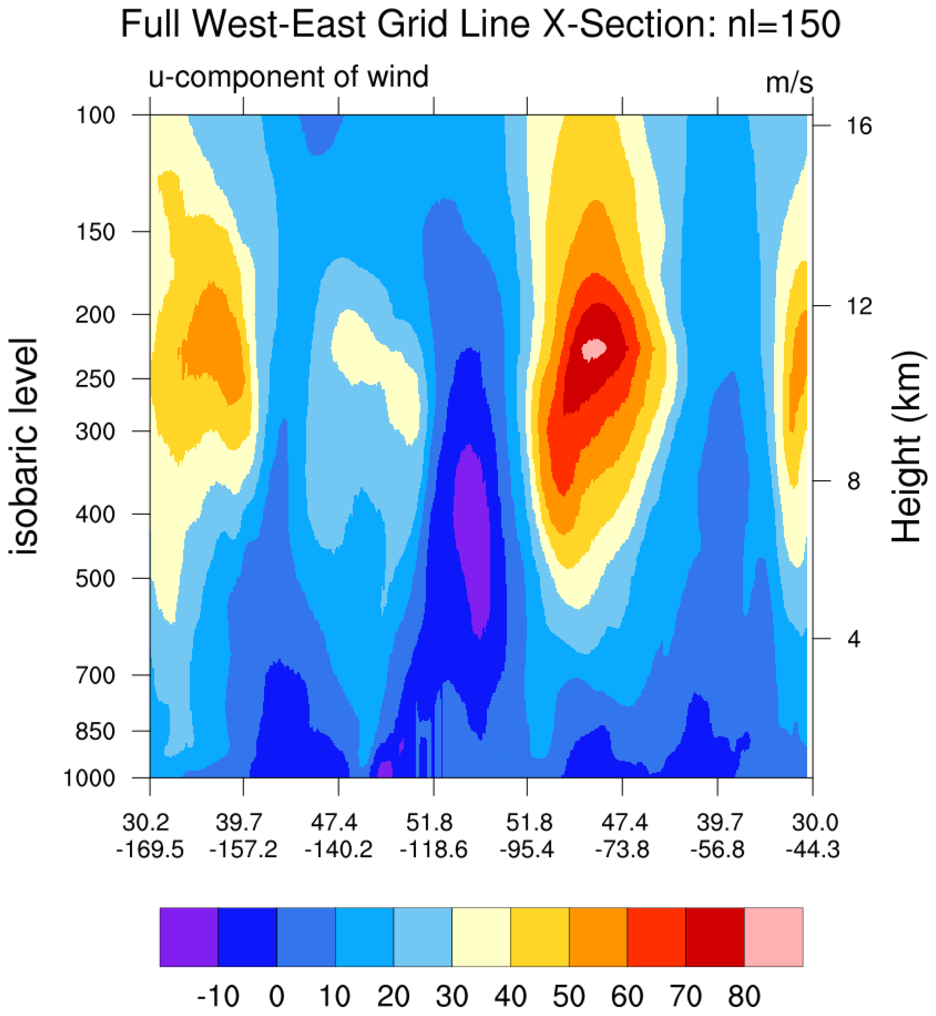
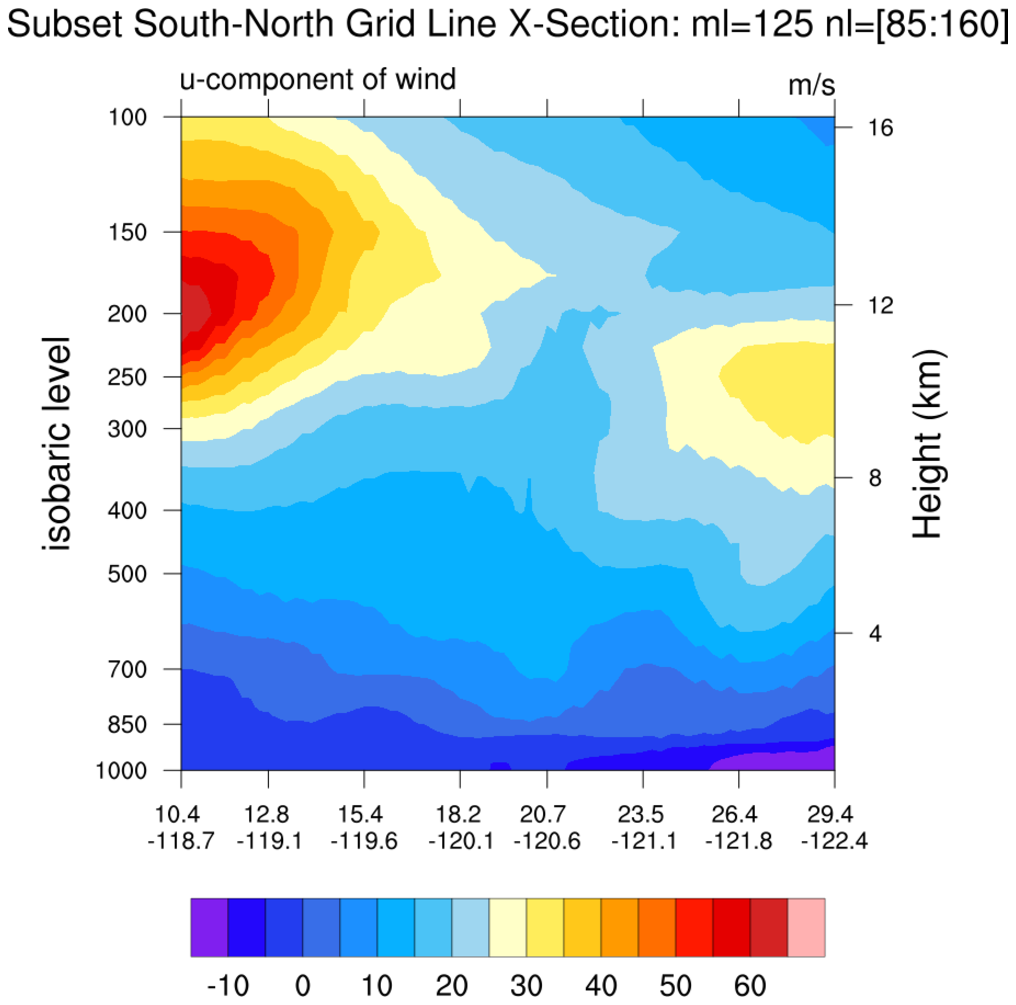
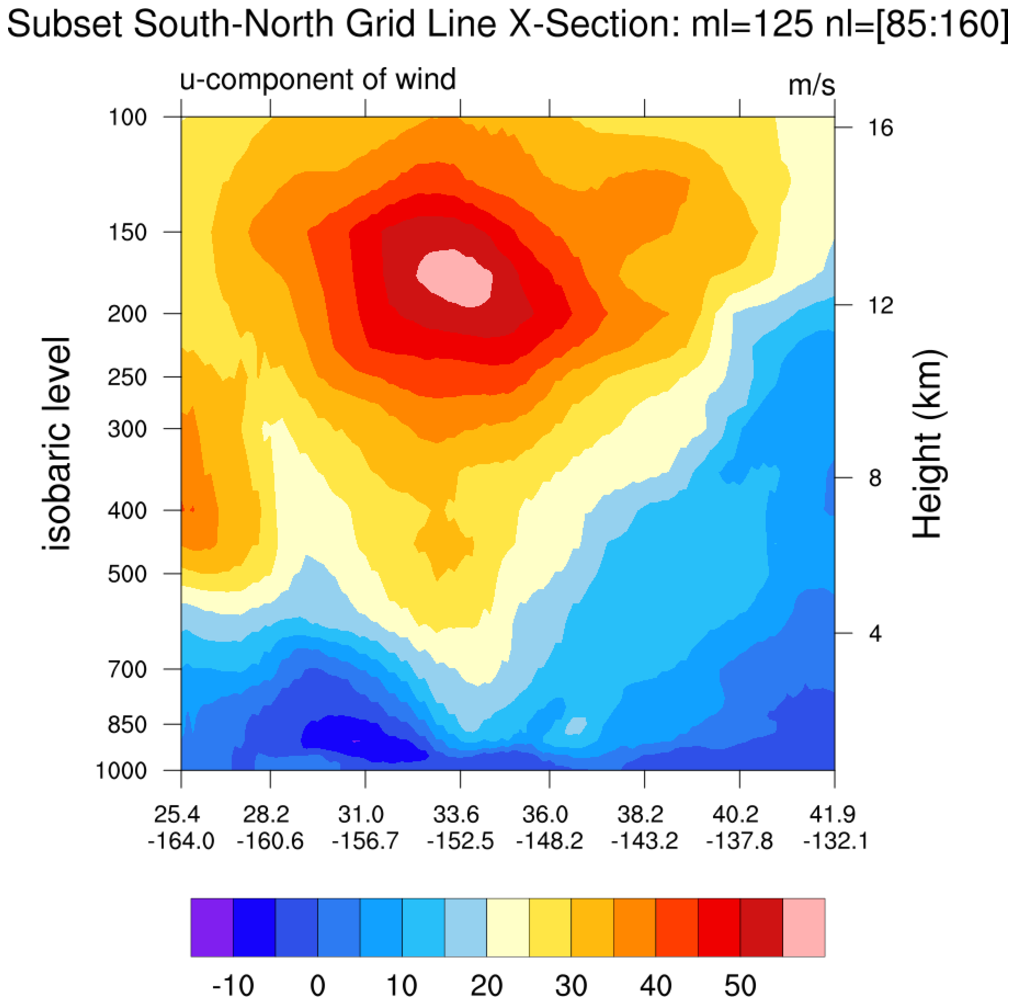 narr_6.ncl:
The NARR grid is curvilinear. This means that the grid point locations require
two-dimensional latitude and longitude arrays. The leftmost figure shows the
north, south, west and east boundaries (black outline);
selected east-west grid lines (blue); selected north-south grid lines (red); and,
user specified subsets of grid lines. Sample 'grid line following' cross sections
are created.
narr_6.ncl:
The NARR grid is curvilinear. This means that the grid point locations require
two-dimensional latitude and longitude arrays. The leftmost figure shows the
north, south, west and east boundaries (black outline);
selected east-west grid lines (blue); selected north-south grid lines (red); and,
user specified subsets of grid lines. Sample 'grid line following' cross sections
are created.